OTA firmware updates
Three devices is already a fleet: provisioning, OTA firmware updates and telemetry for small projects
Provisioning, OTA firmware updates, remote commands and telemetry earn their keep at three devices, not three hundred. Here is what each one saves you.
August 26, 2026 10 min read
One device on a desk is not a fleet. Trouble arrives the moment the second unit moves into another room and the third goes home in somebody's bag, because you can no longer see which endpoint each is pointed at, which build each is running, or whether either is awake. At that point provisioning, OTA firmware updates and health telemetry stop being enterprise vocabulary and start deciding how many evenings you spend walking around the house with a USB cable.
OTA firmware updates are firmware images delivered to a device across its network connection rather than through a cable, so a deployed unit can move to a new build without being collected. On QuickComm dev kits, over-the-air delivery sits alongside QR provisioning, remote commands and health telemetry as the four mechanisms that manage the device itself.
The short version
- A fleet problem starts at distance rather than at a device count, because one unit on a wall bracket in a rarely used room costs more to reach than three units lined up on a bench.
- QuickComm devices are provisioned by scanning a QR code from the console, which puts a unit on the network and points it at an endpoint with no serial terminal and no captive portal.
- Over-the-air delivery mainly buys consistency, because mixed firmware across three devices is a classic source of the bug that happens on only one of them.
- Remote commands cover the small operational verbs such as rebooting a unit or pushing it a new assignment, so a fix costs a click rather than a walk across the building.
- Health telemetry reports connection, firmware build, assignment and power, which is the only reliable way to tell a device nobody has spoken to from a device that has dropped off the network.
- None of these mechanisms manage the buyer's backend, so speech to text, models and text to speech still update on the buyer's schedule by the buyer's process.
Why does a three device project already have a fleet problem?
Distance creates the fleet problem, not scale. With a single unit, configuration is something you do once and then forget. With three, configuration becomes state, and state you cannot see is state you will eventually get wrong.
Picture the usual arrangement. One device sits in the workshop pointed at a LAN server. One sits in the living room pointed at a machine you rebuilt last weekend. One has been in a drawer since you changed the endpoint, and nobody told it.
None of that is difficult, only invisible, and invisible state is what eats a Saturday. The four mechanisms below exist to make that state visible and to let you act on it without physically holding the device.
Received wisdom in the voice AI space says fleet management is something you adopt later, at a threshold measured in hundreds of units. That threshold does not exist. The cost that matters is the cost of reaching a device, and it goes from nothing to significant the first time a unit lives somewhere you have to walk to.
QR provisioning puts a device on a network without a serial cable
QuickComm devices join a network and receive their assignment by scanning a QR code from the console. The unit picks up its credentials, joins, and starts behaving, with no serial terminal, no captive portal and no typing a Wi-Fi password through a two button interface.
What that saves is unglamorous and substantial: the ten minutes of fiddling per unit, and the mistyped SSID that only announces itself twenty minutes later. Moving a project from a home router to a phone hotspot for a demo becomes a scan rather than a rebuild.
The devices ship pre-flashed with QuickComm firmware, so provisioning genuinely is the first thing you do with them. You configure behaviour from the console in three steps, and at no point do you build an image.
What do OTA firmware updates actually change?
Firmware changes how a device captures, frames and ships audio, how its buttons behave, and what it reports about its own health. Firmware changes nothing whatsoever about your agent.
Your speech to text, your models, your prompts and your text to speech live on your backend, whether that is a Deepgram key, a Whisper install or Ollama on a machine under the desk. Those move on your schedule by your process, and no image pushed to a device will touch any of them.
At three units the absolute saving from over-the-air delivery is small and the practical saving is large. You update the unit on the garage wall without fetching a ladder, and the unit in a colleague's bag without asking for it back.
Consistency is the second saving and the more valuable one. Mixed firmware across a small fleet produces the bug that appears on exactly one device, and that is a miserable class of bug to chase because nobody suspects it early enough.
Remote commands reach a unit you cannot walk to
Remote commands are the small operational verbs: reboot a unit, push it a new assignment, make it re-read its configuration. Each one exists because the alternative is the walk, and the walk is the expensive part of the job.
A unit that has wedged itself after a router restart is a thirty second fix from a console and a five minute one from a chair in another room. Neither is dramatic alone. Multiplied by how often that happens while a project is still changing shape, remote commands are the reason people keep devices distributed instead of dragging everything back onto one desk.
Reassignment is the command that matters most. The stream endpoint is configurable from the QuickComm console and can be a LAN server, and once a device has been configured it streams directly there without depending on the console to operate. Repointing is therefore a change you make centrally on a path that stays entirely local.
How do you tell a quiet device from a dead one?
Health telemetry answers that question and nothing else does. A voice device nobody has spoken to for an hour looks exactly like a voice device that fell off the network an hour ago, and the difference surfaces at the worst possible moment, when somebody presses the button and gets nothing.
For a small fleet the questions telemetry answers are short and specific: whether a device is connected and when it was last heard from, which firmware build it is running, which endpoint it is assigned to, and how its power is holding up. The last of those matters most on the battery powered units.
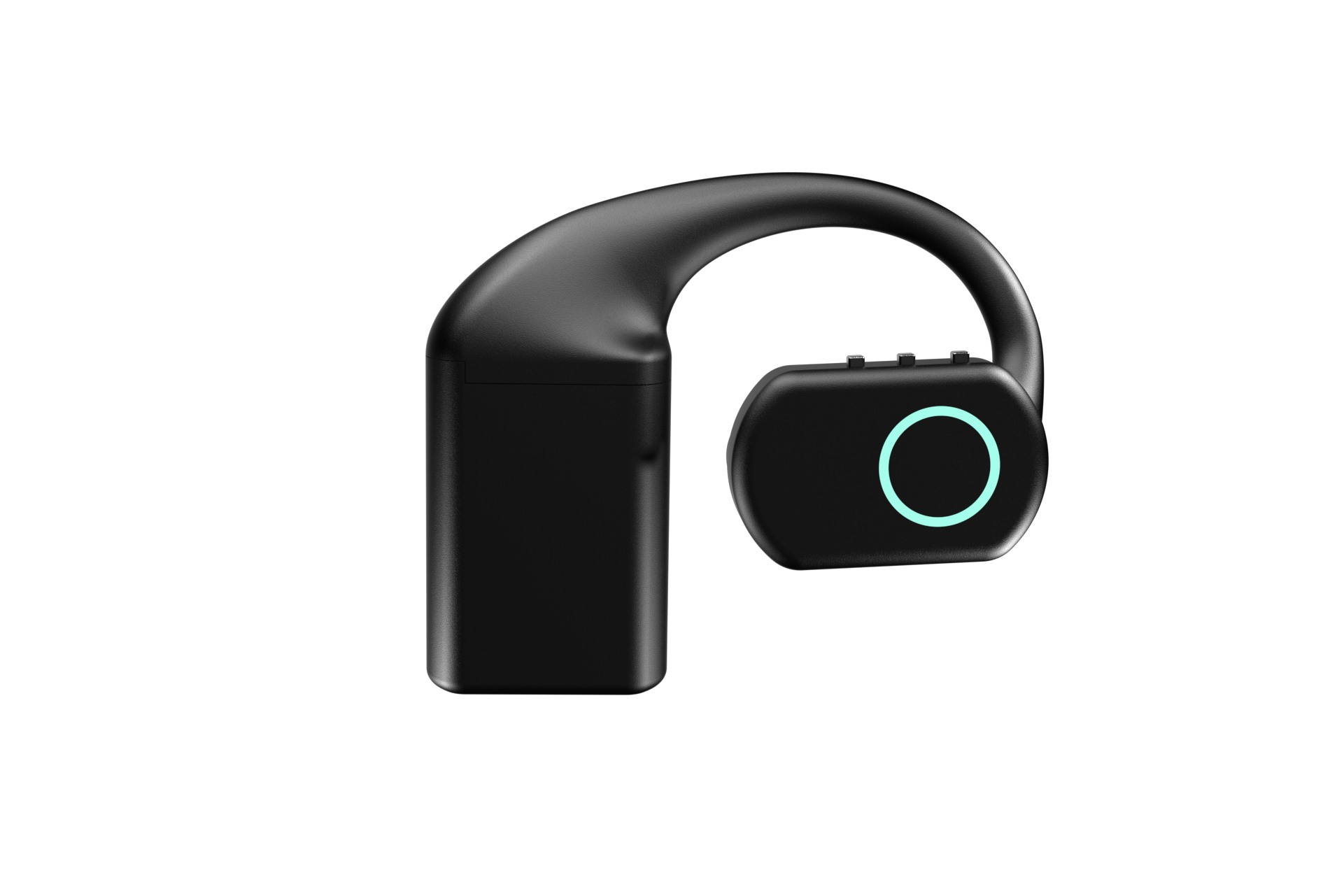
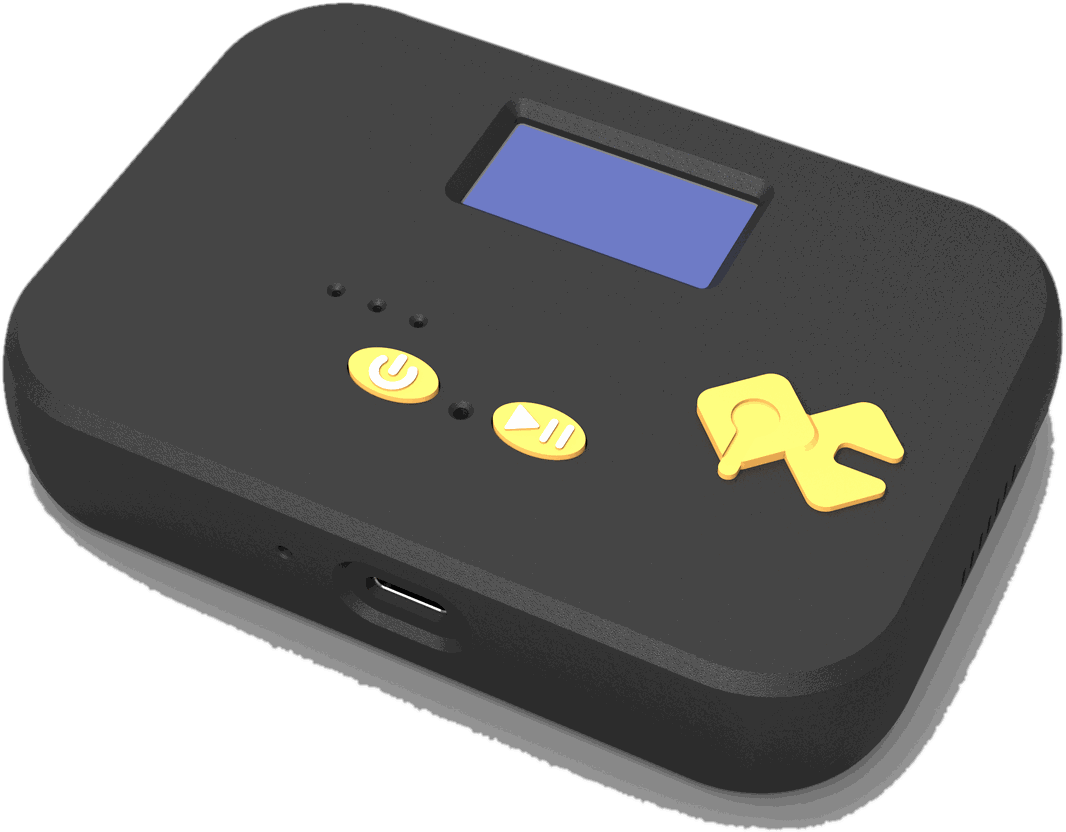
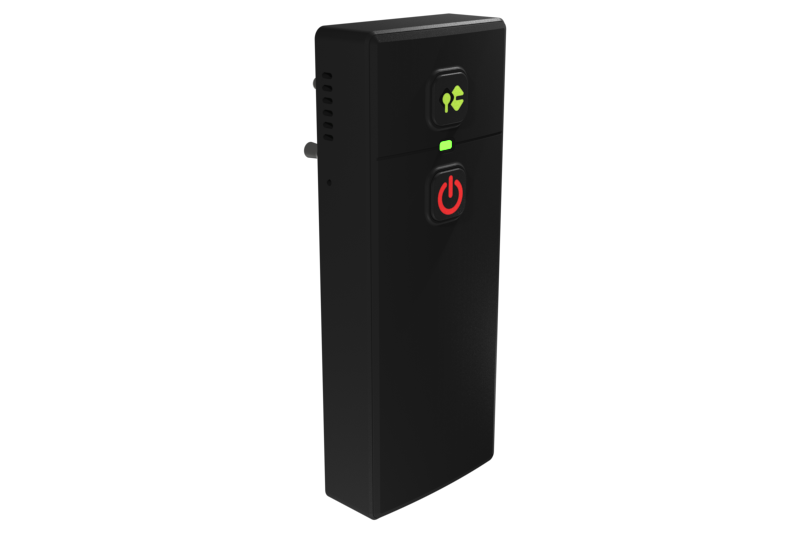
Two of the three QuickComm devices also answer part of that without a console. The Table Top carries an on-device display showing network, firmware and assignment, and the Bridge Node has a display too. The Earpiece uses an RGB LED instead, which is the right trade for something worn on a head, so the console is where you check what an Earpiece is pointed at.
A routine that keeps a small fleet honest
None of this needs tooling. A habit does the work, and a short habit is enough for three devices.
- Name devices by where they live rather than by what they are, so a problem tells you which room to think about.
- Change the endpoint on one device first and let it run for a day before moving the others across.
- Bring every unit to the same build before debugging anything strange, so mixed firmware is ruled out early rather than discovered late.
- Check telemetry before a demo rather than during one.
That last line is the whole argument for health telemetry. Knowing costs thirty seconds beforehand, and not knowing costs you the discovery in front of an audience.
Device telemetry tells you the audio left the building. Only your own logging tells you what happened to it afterwards.
What this hardware does not do
- No AI runs on the device beyond voice activity detection, so no firmware image will ever improve transcription, translation, summarising or language ability.
- None of these four mechanisms manage your stack. A rate limited transcription service or a backed up text to speech queue leaves the device reporting perfect health, because the device really is healthy.
- Wi-Fi is 2.4 GHz only and capture is 16 kHz mono, correct choices for speech and poor ones for a congested hall or a music source.
- No ingress protection rating is claimed, the 12-month warranty excludes physical damage, and returns run for 7 days.
- There is no fleet dashboard here and three devices do not need one. Pretending otherwise is how a simple project acquires operational overhead it never had a reason to carry.
The reader who should not buy on the strength of this article is the one running a single device on a desk, with a USB-C cable within reach and an endpoint that never changes. Plugging it in is not a burden. QuickComm publishes this piece and will still say plainly that at one device none of these mechanisms save you anything at all.
Common questions
Do OTA firmware updates change how my voice agent behaves?
No. Device firmware covers capture, framing, transport, buttons and telemetry, and nothing else. Your agent behaviour lives in your backend, in the prompts, models and services you run, and it changes when you deploy it. A device that has just taken a new build still calls the same endpoint and still leaves every decision to your code.
How many devices do you need before fleet management is worth it?
The threshold is distance rather than count. One unit mounted on a wall in a room you rarely enter creates more friction than three sitting on a bench in front of you. Once reaching a device costs you something, QR provisioning, over-the-air delivery, remote commands and telemetry begin paying for themselves immediately.
What happens to a device if the console is unreachable?
A configured QuickComm device keeps streaming. Provisioning and management run through the console, but once a device knows its endpoint it sends audio straight there and does not depend on the console to operate. That property is what makes a LAN endpoint viable for self-hosted voice AI, because the local path survives an outage on the wider connection.
Can I see which firmware build each device is running?
Yes. Health telemetry reports the build alongside connection state, assignment and power, and the Table Top and Bridge Node also show network, firmware and assignment on their own displays. The Earpiece has an RGB LED rather than a screen, so its build is something you read from the console instead.
Where to start with a small fleet
Start by writing down what you believe each device is pointed at, then compare that list against what the devices actually report. The gap between the two is the entire argument of this article, and it usually appears on the first try.
All three QuickComm dev kits carry the same mechanisms over Wi-Fi or BLE: QR provisioning, OTA firmware updates, remote commands and health telemetry. The Earpiece at $220 is the wearable, the Table Top at $90 covers a room, and the Bridge Node at $125 clips inline to radios, intercoms and PA systems already in use. Each is built to order and ships in 10 days worldwide, with lifetime support and a builders community on Slack where the awkward questions tend to get answered.